Tokens

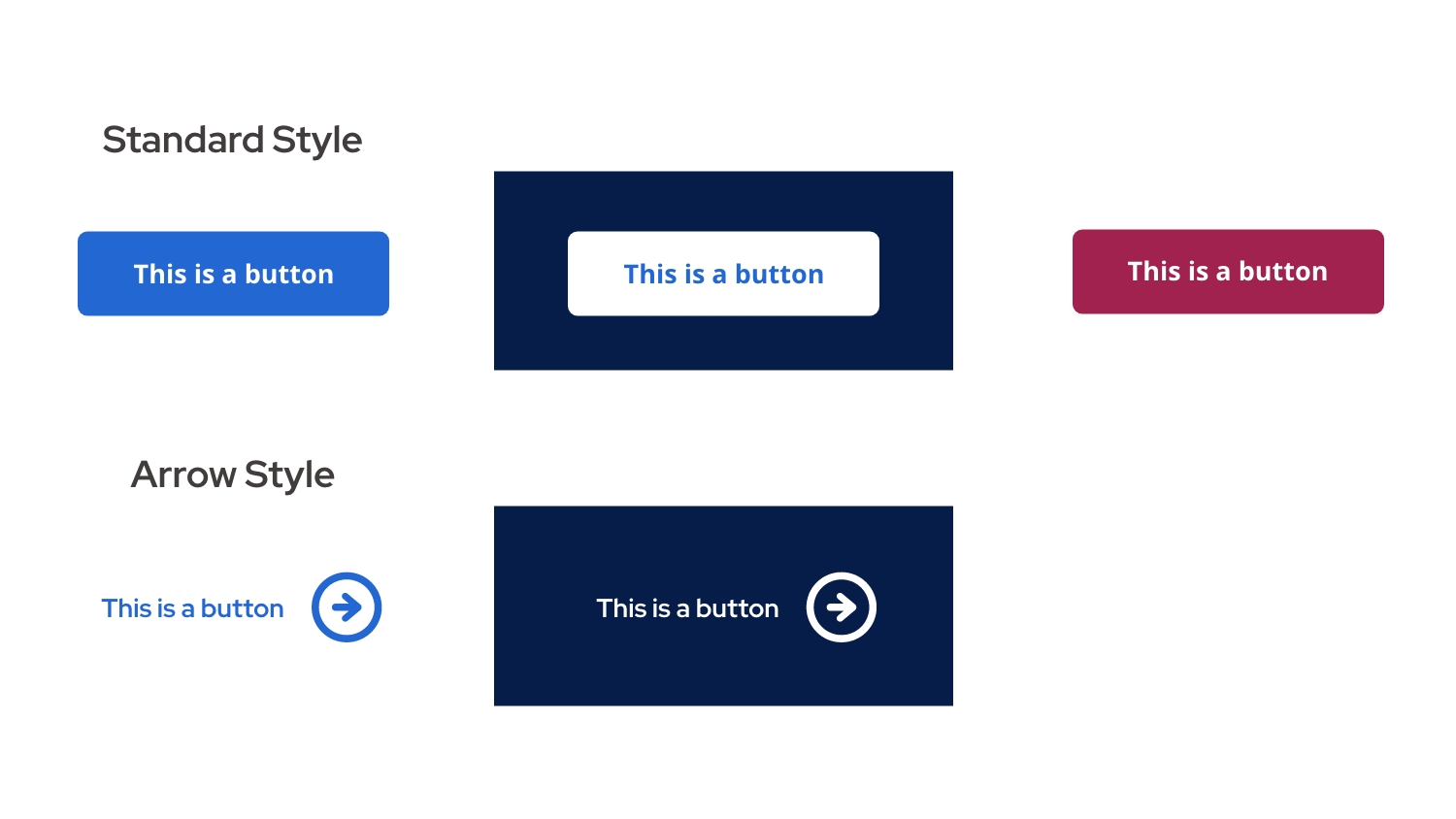
Button styles used in the design system

Buttons

Buttons let users take action—like submitting a form or navigating to a page. We use two different styles (standard and arrow) to guide attention and ensure consistency across components.

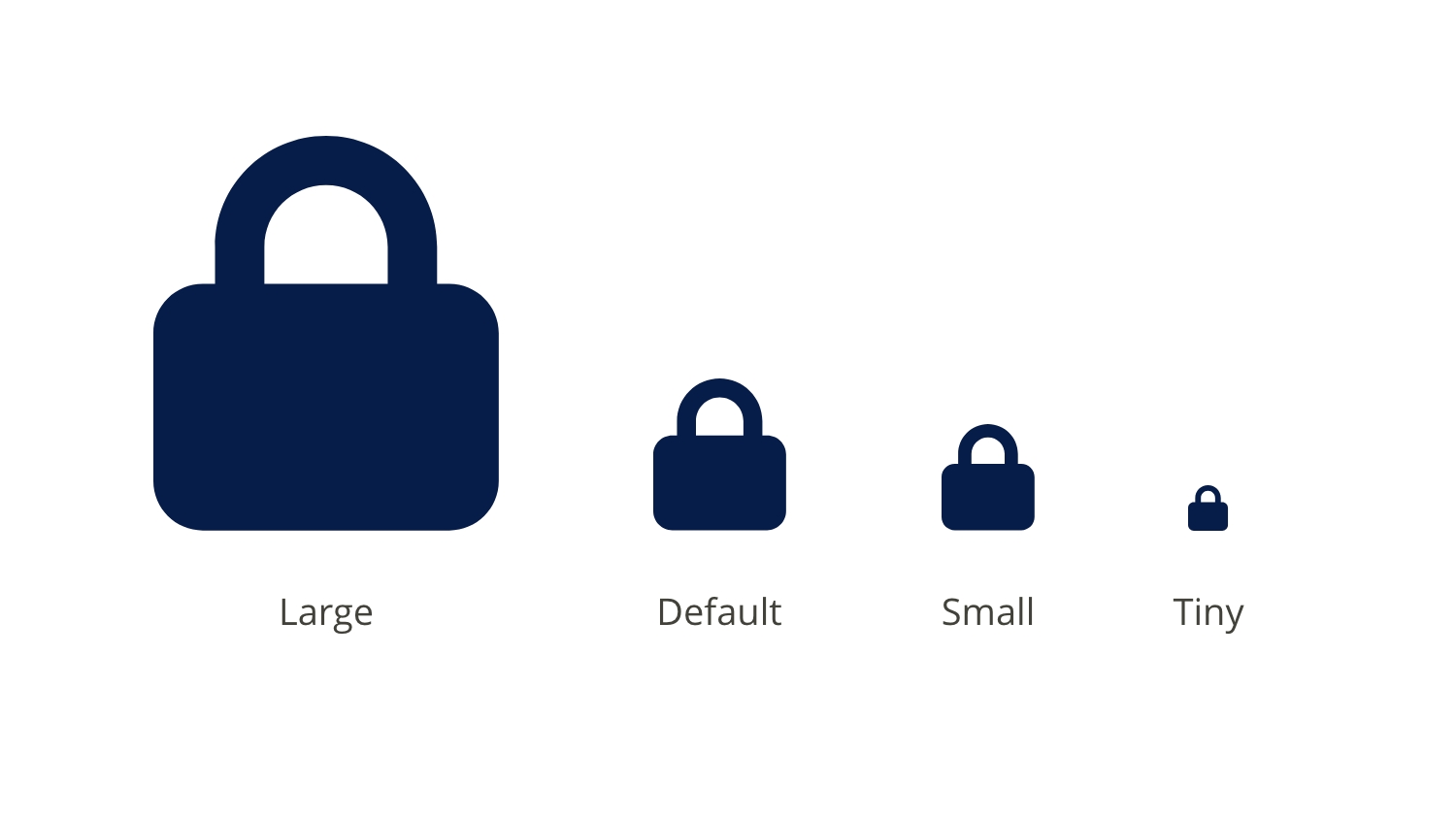
Icons sizes in the design system

Icons

Icons are small visuals that represent actions, items, or ideas, making our site easier to use and navigate. We use different sizes based on context, and all icons come from the Font Awesome icon library to ensure consistency and flexibility.

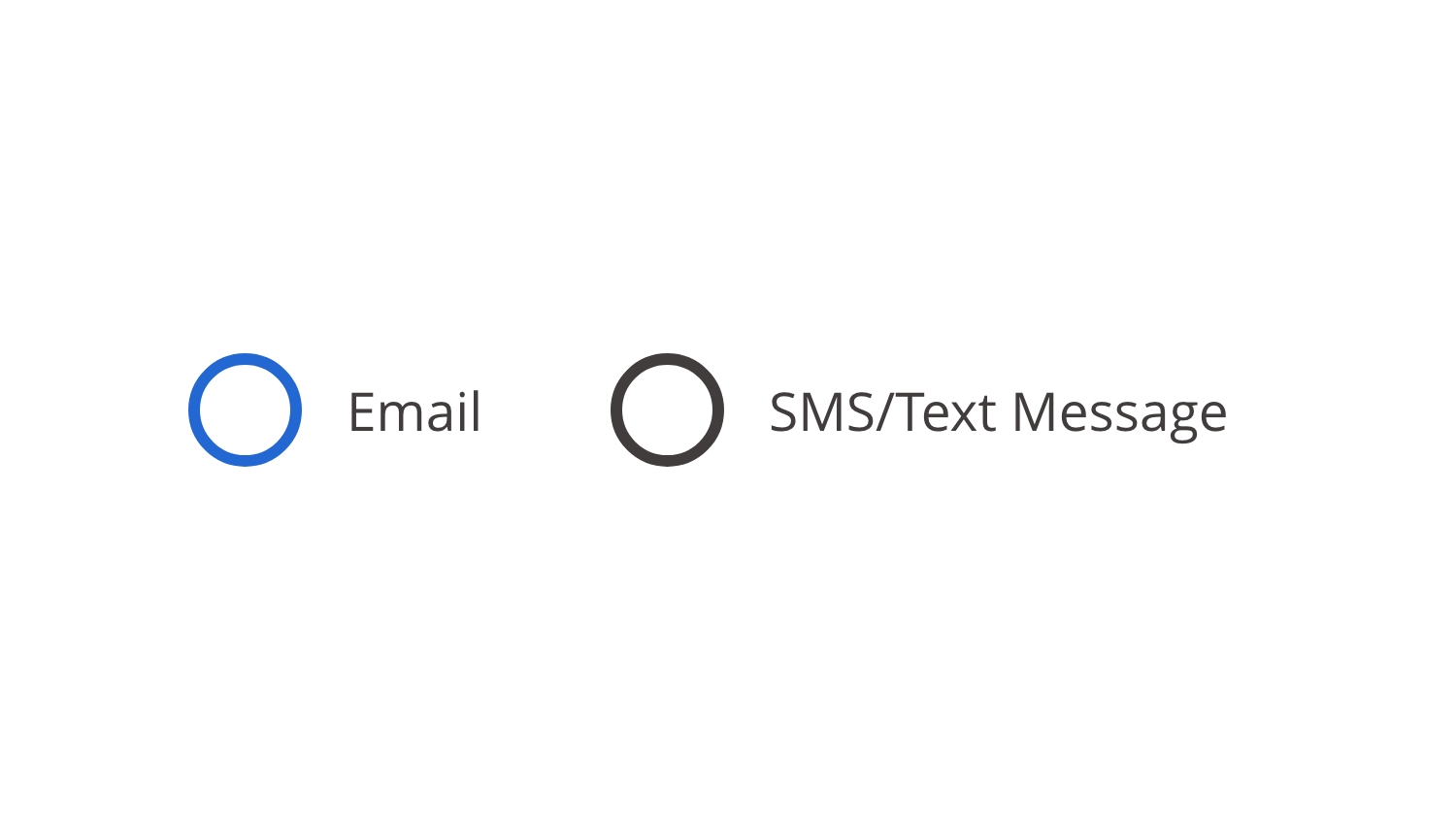
Radio button style for the design system

Radio Buttons

Radio buttons let users select one option from a list. They’re important for guiding clear, single-choice decisions—like selecting a category or preference—ensuring users don’t choose conflicting options.

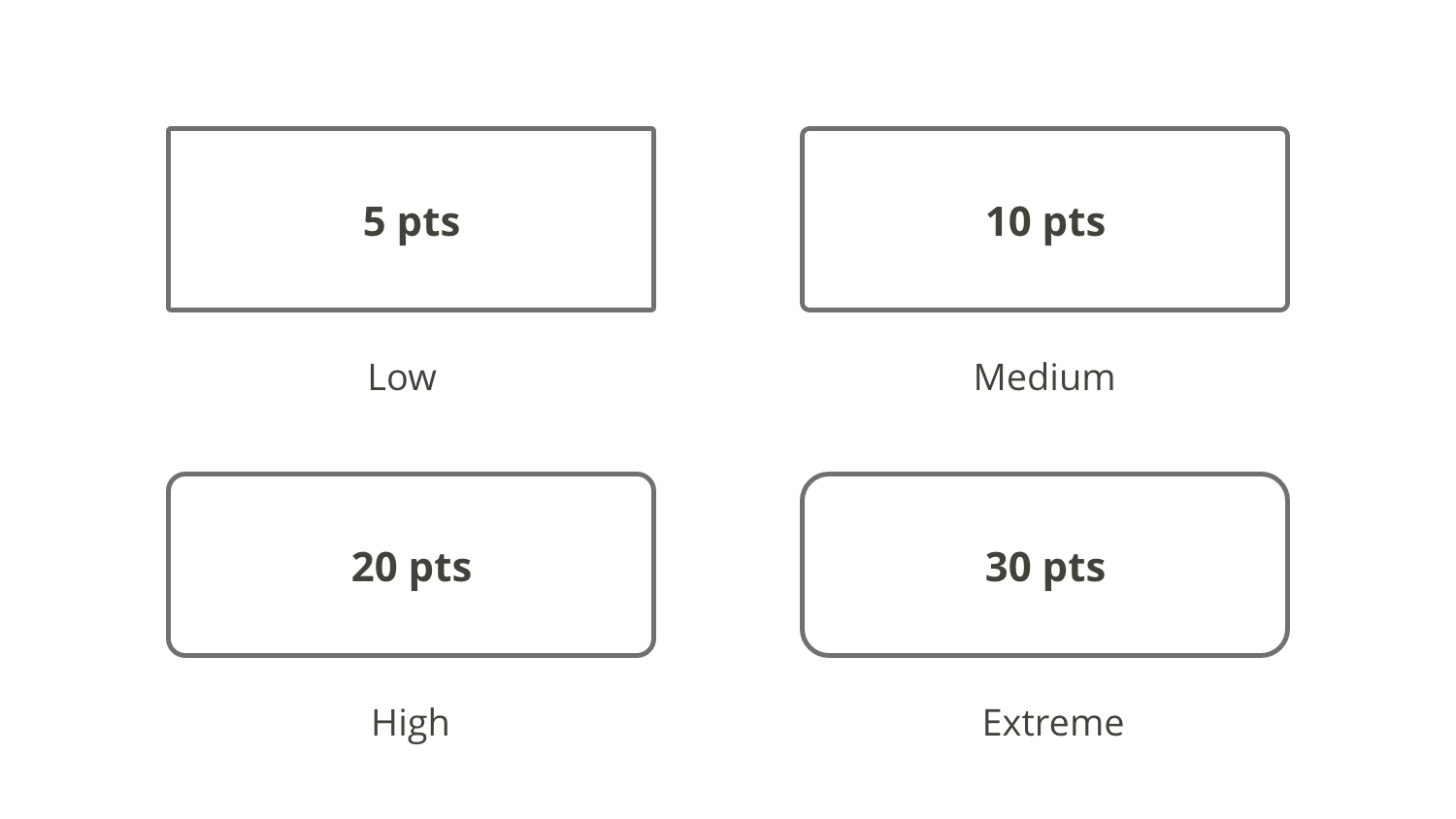
Chart showing four levels of roundedness in the design system

Rounded Edges

Rounded edges can be applied for a softer, modern look. Softer edges are easier on the eyes and enhance touch interactions. We use four levels of roundness, depending on the size of the component.

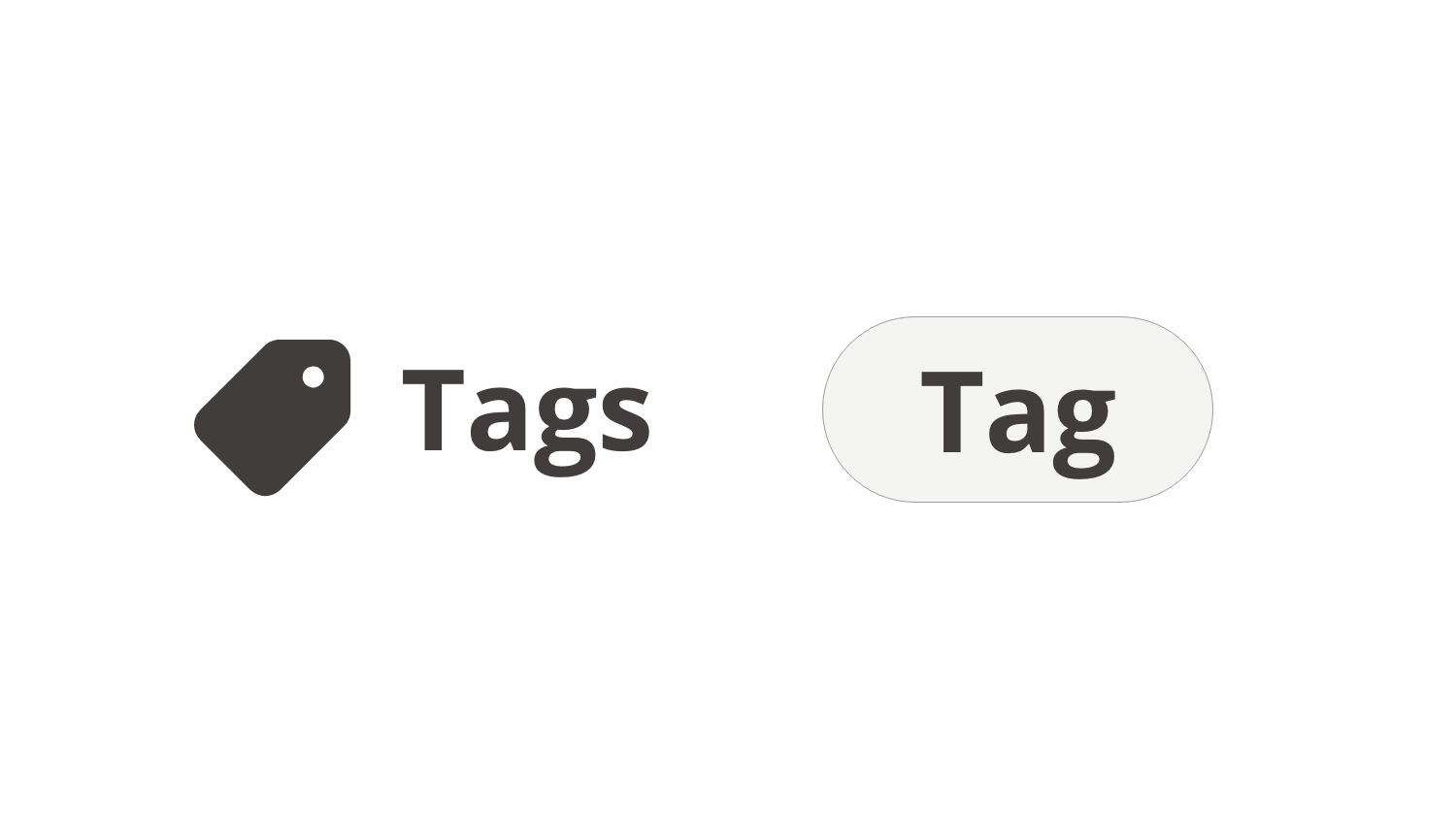
Two tag styles used in the design system

Tags

Tags are small labels used to categorize or highlight key information, such as topics, departments, or filters.

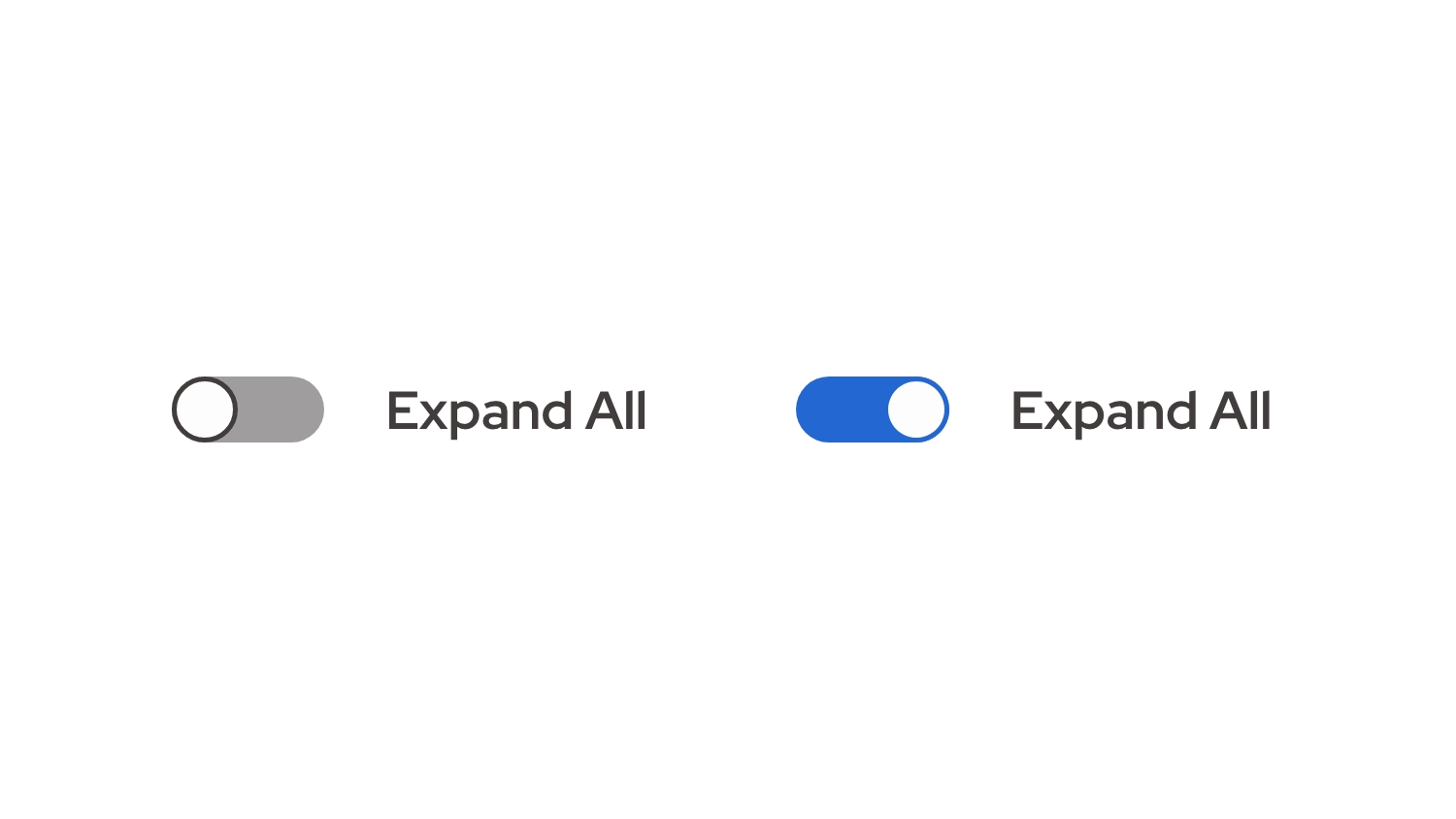
Showing a toggle switch in the on and off state

Toggle Switch

A toggle switch is a control that lets users switch between two states. In this case, it controls whether all content sections are expanded or collapsed. This saves time when users want to view or hide multiple sections at once.

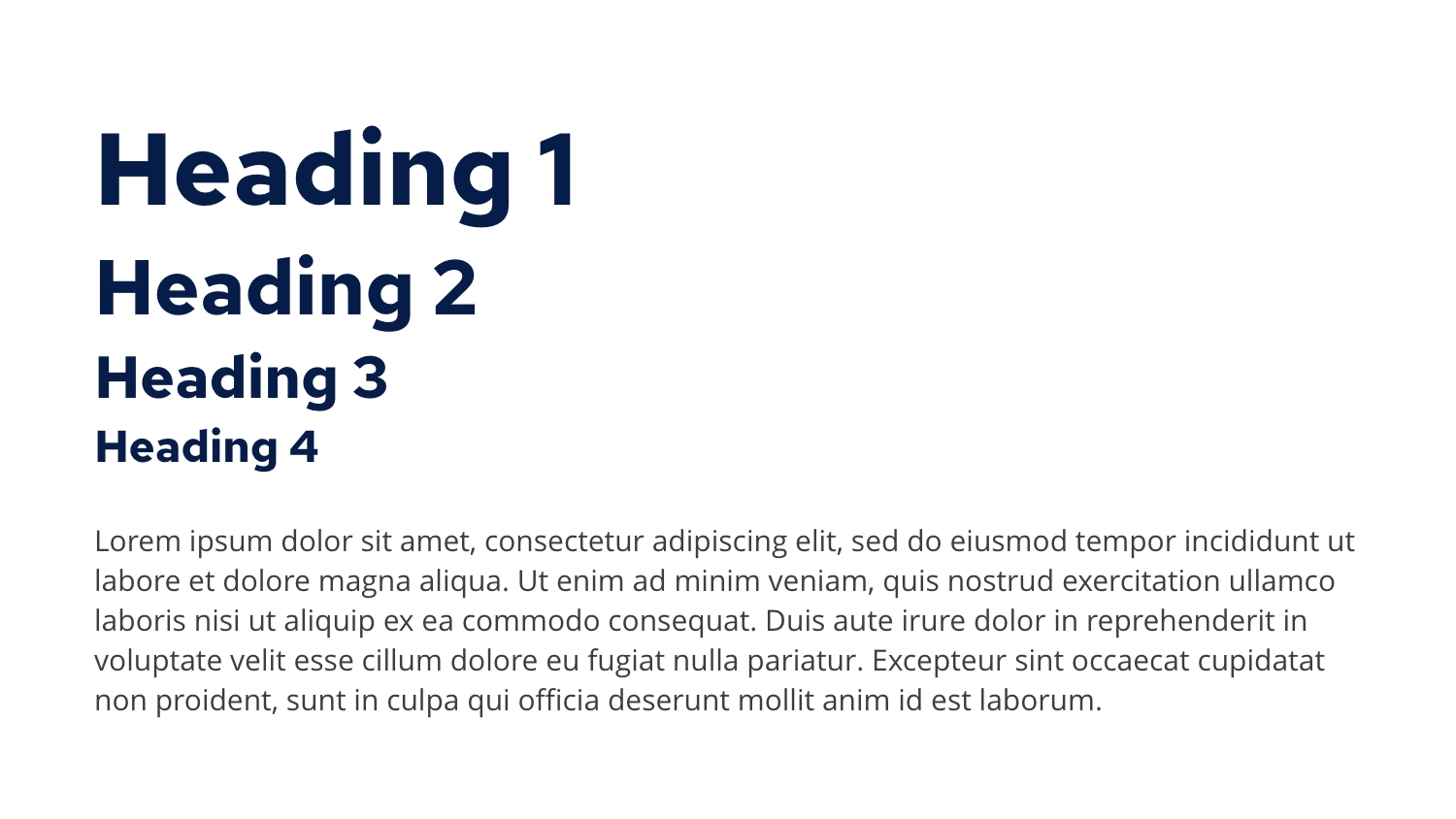
Example of different font styles and size used in the design system

Typography

Typography is the design and arrangement of text, playing a key role in nearly every component on the website—from headings and body text to buttons and labels. It ensures readability, establishes visual hierarchy, and reinforces brand identity. Our typography system includes different variables for desktop and mobile to maintain clarity and consistency across screen sizes, adapting font sizes, line heights, and spacing for optimal user experience.

Web-Only Colors

These colors are intended for web-only use within our design system. They account for transparency and other digital-specific rendering considerations. For full, non-transparent color values and broader usage guidelines, please refer to our brand style guide on SharePoint.


50

100

200

300

400

500

600

Red
red-50

#FAF3F6

red-100

#F1DEE4

red-200

#D090A6

red-300

#B8597A

red-400

#A1224E

red-500

#721837

Orange
orange-50

#FFF9F4

orange-100

#FDEEE0

orange-200

#F8C496

orange-300

#F5A762

orange-400

#F28A2E

orange-500

#D36A0D

Yellow
yellow-50

#FFFBF4

yellow-100

#FDF4E0

yellow-200

#F7D998

yellow-300

#F4C665

yellow-400

#F1B434

yellow-500

#C6923A

yellow-600

#996C0B

Green
green-50

#FBFCF5

green-100

#F2F6E2

green-200

#D4E09E

green-300

#BED16F

green-400

#A9C23F

green-500

#738D37

Blue
blue-50

#F3F7FD

blue-100

#DEE8F9

blue-200

#90B2E9

blue-300

#5A8DDE

blue-400

#2367D3

Navy
navy-100

#F2F3F5

navy-50

#DADDE4

navy-200

#828DA3

navy-300

#455576

navy-400

#071D49

Purple
purple-50

#F7F6FA

purple-100

#E9E4EF

purple-200

#B4A6C9

purple-300

#907AAE

purple-400

#6B4E93

purple-500

#45315D

Gray
gray-100

#F5F5F5

gray-50

#E2E2E2

gray-200

#9F9D9D

gray-300

#706D6D

gray-400

#403D3C

gray-500

#161515

Neutral
neutral-50

#FCFCFA

neutral-100

#F5F3EE

neutral-200

#F1EEE5

neutral-300

#ECE8DD

neutral-400

#DAD3BE

neutral-500

#C3B897

Last Edited: December 11, 2025